
Problem
Local-only systems are hard to share and easy to lose.
Files on one office PC, untested backups and email that only works on site slow teams down — and leave the business exposed when a disk, laptop or power cut fails.
Host files, email, backups and applications in the cloud — so teams can work from the office or remotely.
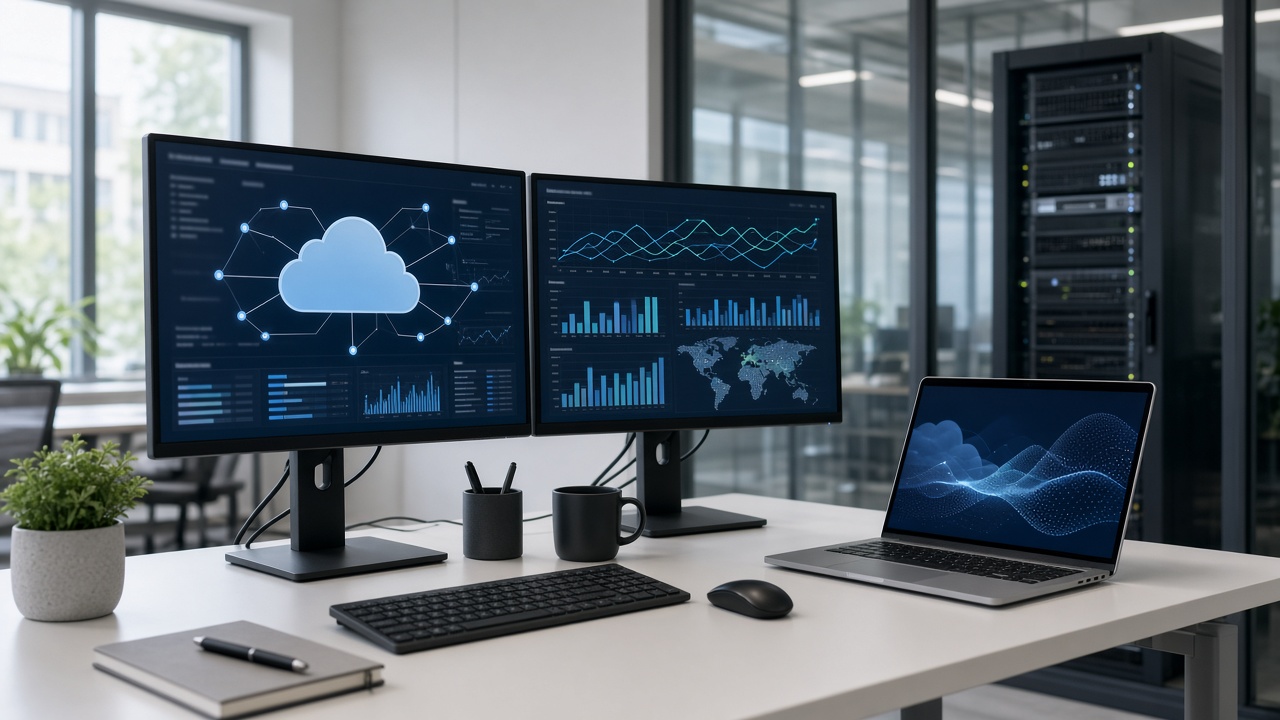
Files on one office PC, untested backups and email that only works on site slow teams down — and leave the business exposed when a disk, laptop or power cut fails.
SafeTag deploys cloud hosting, backup, email and remote access configured around how your team actually works — with support after handover.
Applications and company tools hosted off-site.
Company mailboxes that work on desktop and mobile.
Shared folders with access by team or role.
Scheduled copies so a failed PC is not the only copy.
Work from another site or on the road where connectivity allows.
Move from local servers or scattered files in planned steps.
Work that is not tied to one office PC
Staff can open the same files and mail from the office, another site or a laptop — without copying USB sticks.
Backups sit off the machine that created the file, so a failed disk or stolen laptop is not the end of the record.
Accounts, folders and access are set up with the people who will use them — not left as a one-off installer login.
We start from what you already use, then move mail, files or applications in planned steps.
Requirements → account setup → migration → access for the team → support after go-live.
Cloud solutions are for teams that need shared files, mail and backups without building a large on-site server room.
Offices, logistics operators, commercial sites and organizations with staff at more than one location.
No. Cloud solutions usually sit alongside the PCs you already have. Staff keep working locally and sync to the cloud.
We size the setup around the connectivity you have. Critical work can still be planned for local copies where needed.